Anybody else unable to open the attatched jpg's in the main forum? All I get is a blank screen. Everything else seems to be ok.
Steve
>Anybody else unable to open the attatched jpg's in the main
>forum? All I get is a blank screen. Everything else seems to
>be ok.
>
>Steve
Some are attached and some are imbedded. The imbedded ones open automatically, but the attachments need to be clicked on. Is this your trouble? Otherwise I don't know what would cause it. What browser are you using?
Leonard Neumann
Indianapolis, Indiana, USA
jpg · Nov 30, 2006 04:14 PM
#2 sourceI'm using Yahoo dsl browswer. I click on the attached jpg and get a blank page.
>I'm using Yahoo dsl browswer. I click on the attached jpg and
>get a blank page.
Can you tell me which post this happens on? The ones I have tried have worked.
Leonard Neumann
Indianapolis, Indiana, USA
Main forum..McCoy Rehead .35 help needed thread...reply #16 by Tflame. There's a jpg attachment that I can't see.
>Main forum..McCoy Rehead .35 help needed thread...reply #16
>by Tflame. There's a jpg attachment that I can't see.
I don't know what to say. I went there and clicked on it and it opened right up. I am using the latest version of Internet Explorer, but that shouldn't make any difference. Are you left clicking or right clicking? How are you trying to open it up?
Leonard Neumann
Indianapolis, Indiana, USA
jpgs · Dec 01, 2006 07:59 AM
#6 sourceMust be my problem at home. Just tried it here at work and it opens up just fine. Don't worry about it anymore but thanks for checking.
Steve
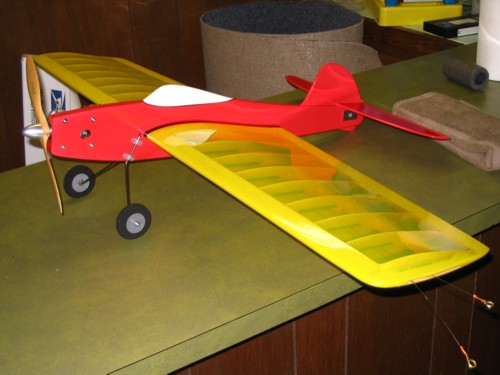
Trying the new picture post.
 Attachment
#1, (jpg file)
Attachment
#1, (jpg file)
>Trying the new picture post.
>
>
>
>
You can compress this to a greater degree to either use up less space or allow for a larger picture size. 640 x 480 is a good size and very easy to get under the limits.
Leonard Neumann
Indianapolis, Indiana, USA
